

Report: Alert History
What this screen is for
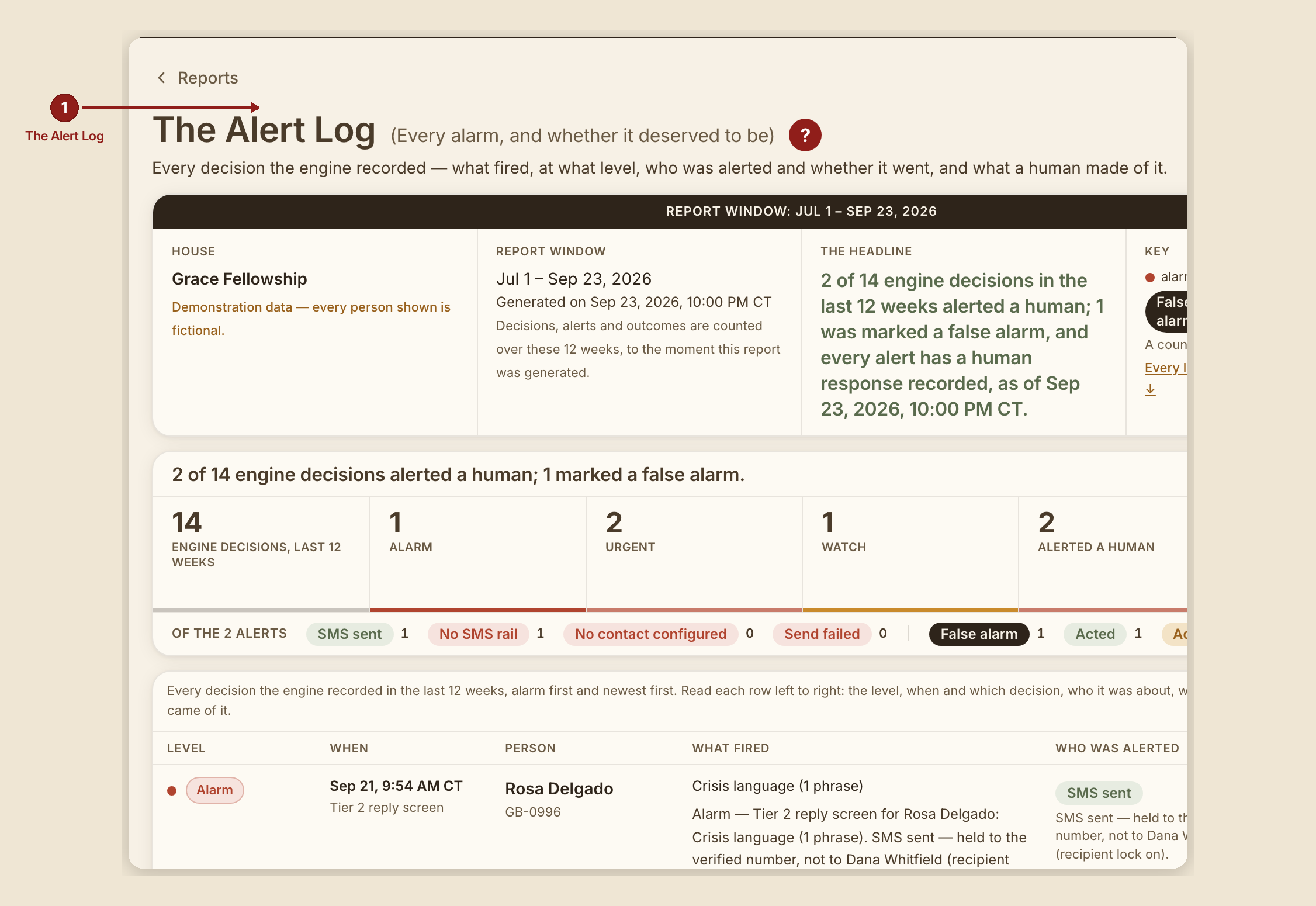
Alert History (/dashboard/reports/alert-log) records every decision GraceBridge made, at what level, who (if anyone) was told, and what a human made of it afterward. It's the honesty check on GraceBridge itself — every alert it raised, who was told, and how the church responded.
What you see, in the screen's own labels
- H1 "Alert History." (RUN 192 dropped the parenthetical "(Every alert, who was told, and what was done)" subtitle.)
- Band tiles: "Decisions, last {n} weeks," "Act now," "Reach out soon," "Keep in mind," "Alerted a human," plus a sparkline labeled "Alerted a human, by week."
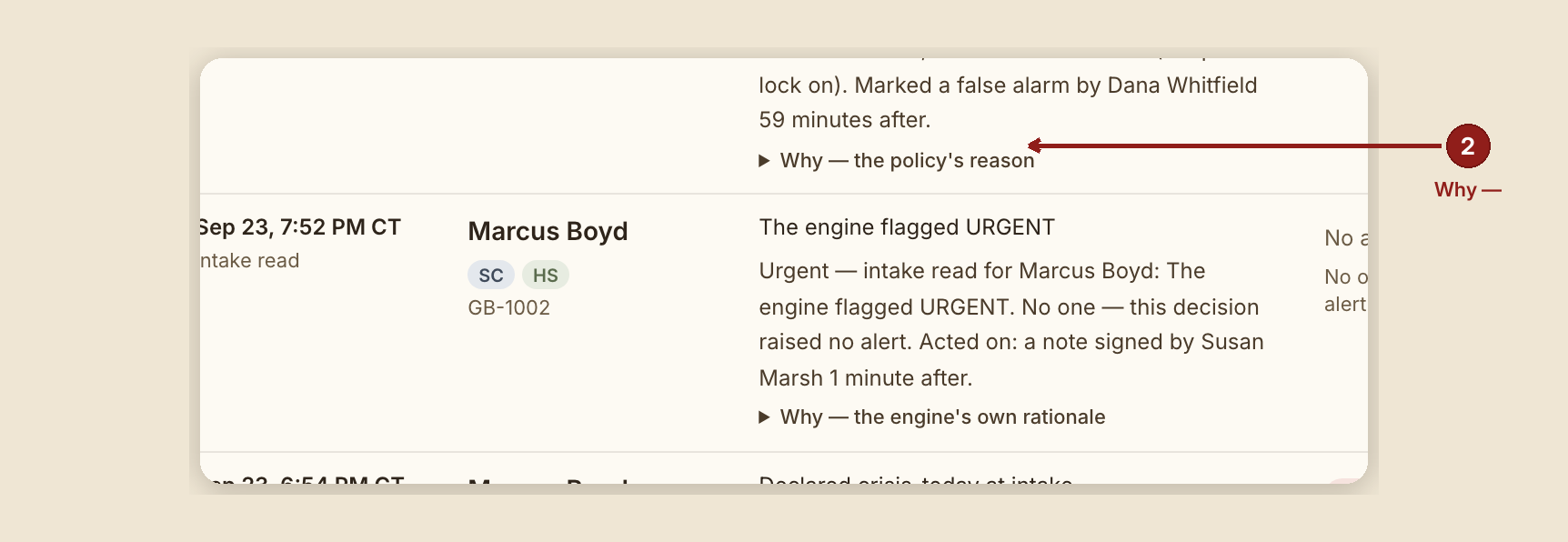
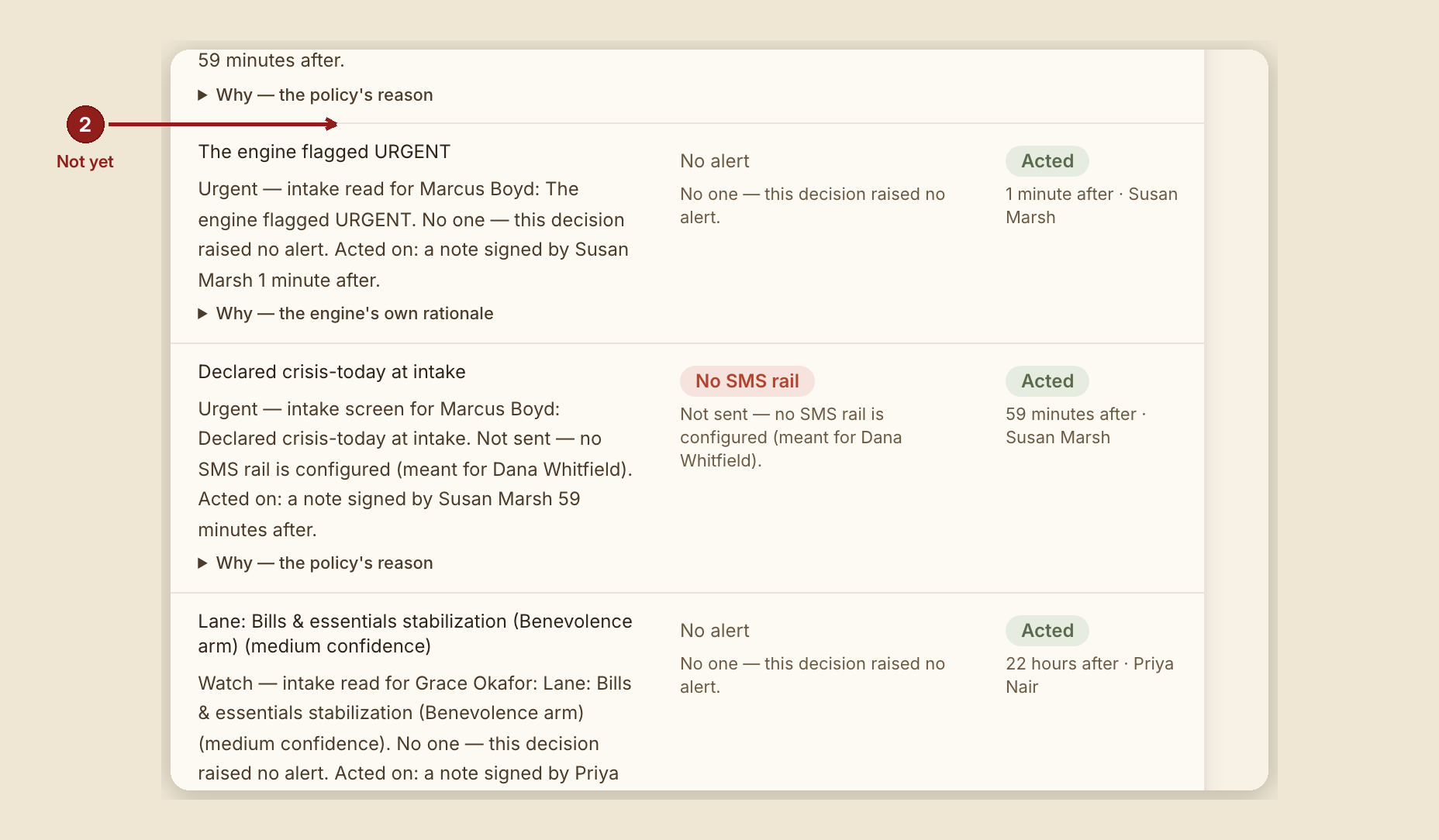
- Table columns: Level · When · Person · What fired · Who was alerted · Outcome.
- Level meanings, verbatim (RUN 189: the old severity words were renamed so the words say what a reader should do, not just that something went wrong; a row at the "Crisis" level may still say so, since that level IS "crisis language was found"): - Crisis (tile: Act now) — "Crisis language was found — in an intake story or in a reply on the after-care journey. GraceBridge called for a human immediately." - Reach out soon — "A human was called for without crisis language: the person declared crisis-today on their intake, or GraceBridge judged the story needed someone to reach out soon." - Keep in mind — "No human was called. GraceBridge named a service track of care at medium or high confidence — a suggestion a volunteer carries in person, never an automated offer." - For information — "GraceBridge read it and raised nothing — no crisis language, no crisis declared, and no service track named, or one named at low confidence."
- Outcome labels: "Checked — no action needed," "Acted," "Acknowledged," "Not yet."
- Delivery labels, plain words now: "Delivered," "Text service accepted it," "Sent to the text service," "Not delivered," "No way to send yet (texting not set up)," "No crisis contact set," "Send failed."
- Each row can be expanded for "Why — {GraceBridge's own reasoning}" — or, when a person hasn't consented to their story being shown: "Why: withheld — this person did not consent to their story being shown, so nothing written about it is printed."
What to do
- Use this report to audit GraceBridge, not just to find alerts. Reading the Outcome column against the Level column tells you whether GraceBridge's checks are actually landing on real crises.
- Close the loop. If an alert's outcome still reads "Not yet," that's a live prompt to record what actually happened.
What NOT to do
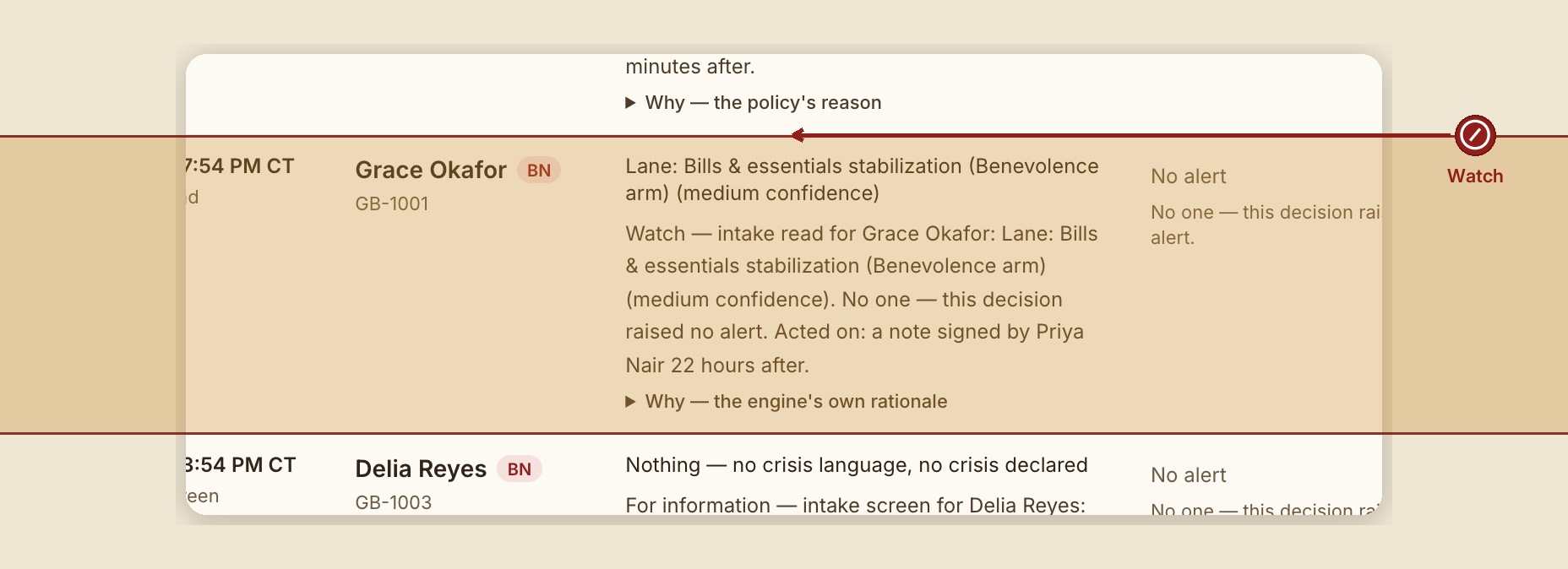
- Don't confuse "Keep in mind" with a human being notified. By definition, that level never calls a human — it's a suggestion a volunteer carries in person, nothing automated is sent.
When something goes wrong
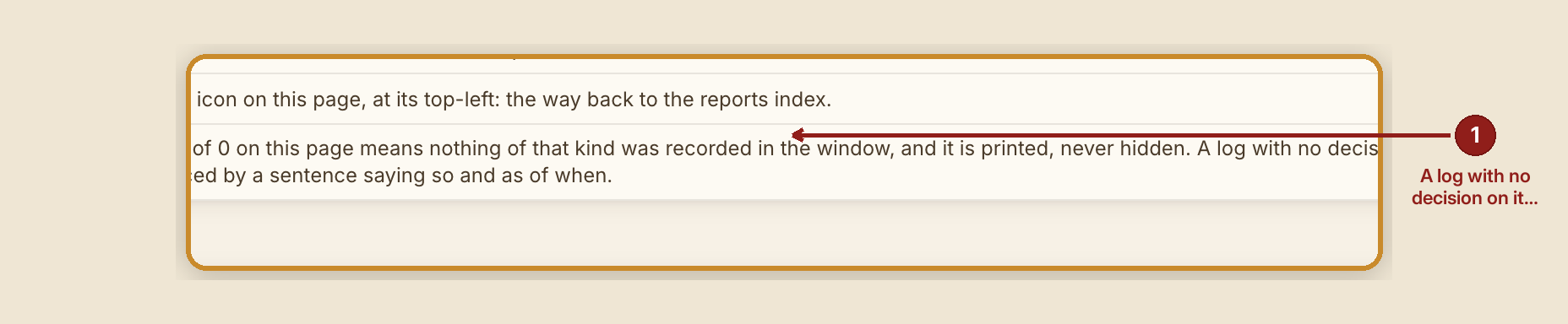
- No decisions in the window: "GraceBridge recorded no decision in the last {n} weeks as of {date} — there is nothing to put on this log."
- Decisions exist, but none needed a person: "0 of {n} weekly check(s) needed a person (as of {date}) — that is not a bug."
- Every alert already has a human outcome recorded: "Every one of the {n} alert(s) in the last {n} weeks has a human outcome recorded — 0 not yet, as of {date}."
- A decision receipt couldn't be read: it's counted and disclosed rather than silently dropped: "{n} decision receipt(s) in this window could not be read and are not on this log. They are counted here rather than guessed at."