

Report: They're back!
What this screen is for
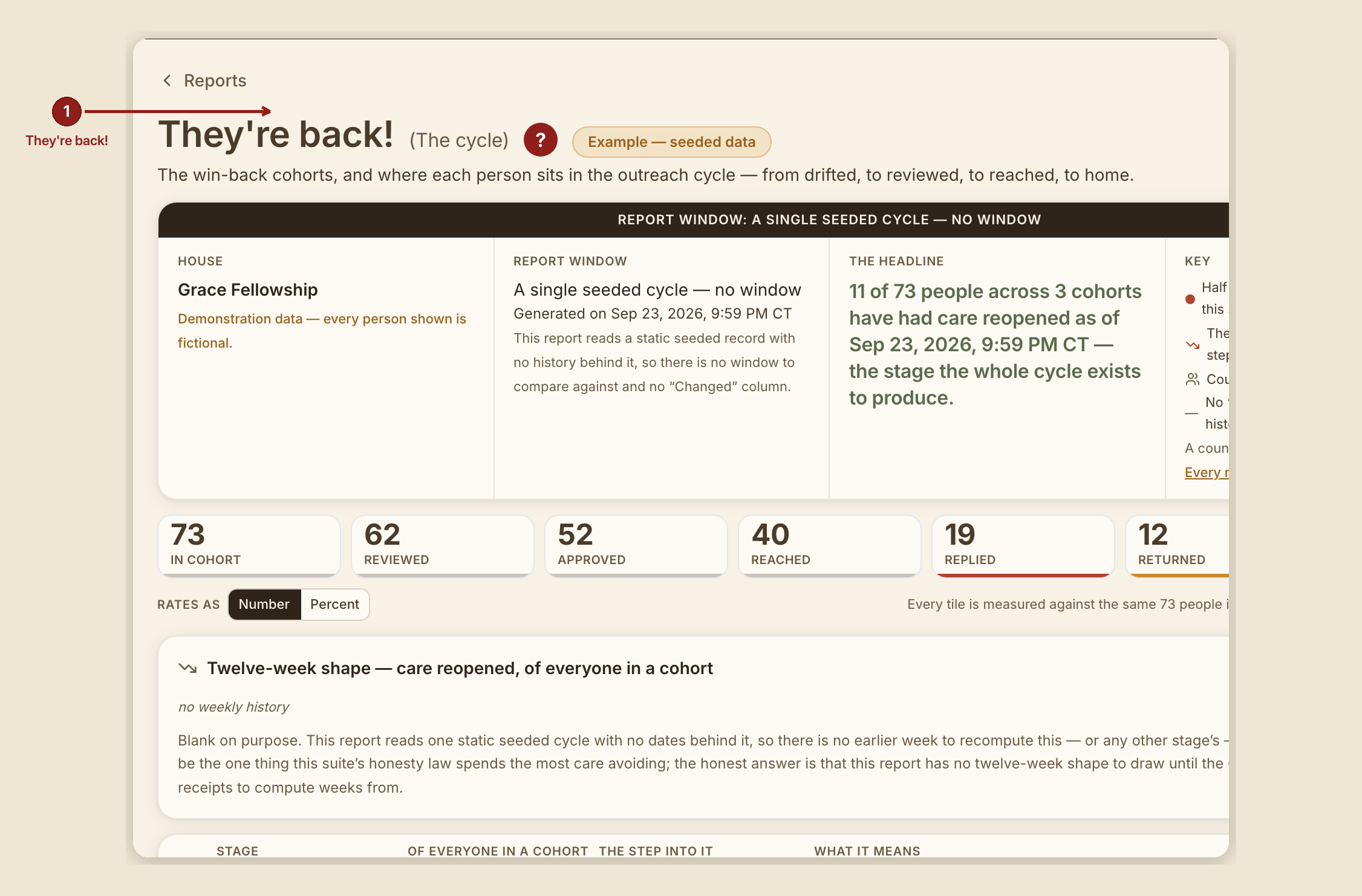
This report lives at /dashboard/reports/recovery-funnel but its on-screen name — the founder's own renaming — is "They're back!" It tracks the win-back outreach lists: people who drifted, and where each one sits in the outreach cycle that might bring them home.
What you see, in the screen's own labels
- H1 "They're back!" (RUN 192 dropped the parenthetical "(Outreach steps)" subtitle.)
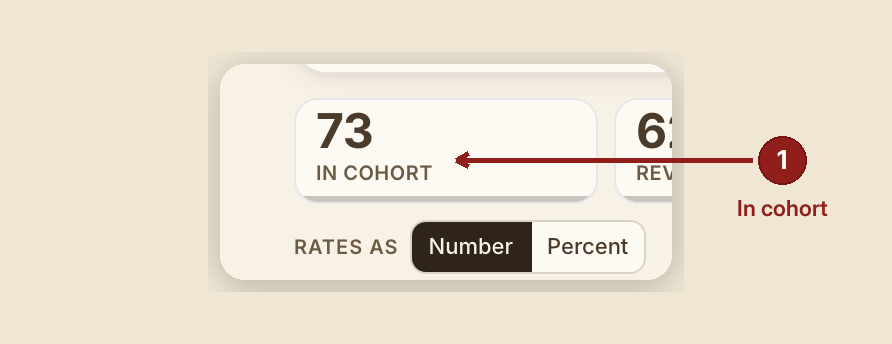
- Scorecard tiles, the seven pipeline stages, in order: "Picked for outreach," "Reviewed," "Approved," "Reached," "Replied," "Returned," "Connected to a person."
- First table columns: Stage · Out of everyone invited · Change from the step before · What it means. Second table columns: Outreach list · Picked for outreach · Returned · Connected to a person.
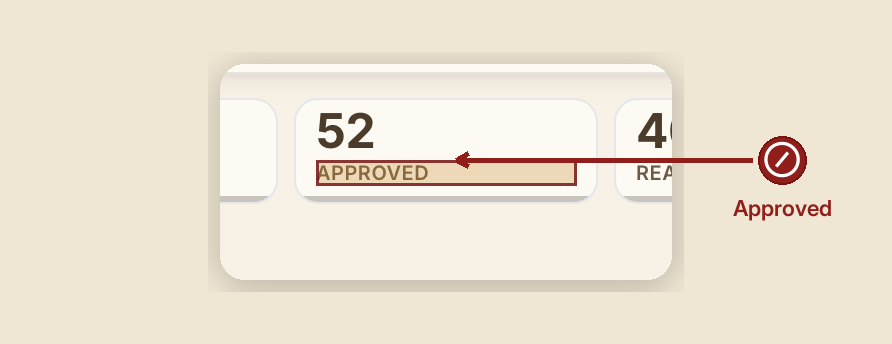
- Stage meanings, verbatim: - Picked for outreach — "Everyone the church set out to invite back." - Reviewed — "A person looked at the name and decided whether outreach was the right thing." - Approved — "Outreach was agreed. Nobody is contacted before somebody says so." - Reached — "A message or a call went out. Reaching is not replying." - Replied — "The person answered. This is the first stage that needs something from them rather than from us." - Returned — "They came back — attended again." - Connected to a person — "Somebody is walking with them now. This is the stage the whole cycle exists to produce."
- No colour-coded severity tiers here, by the founder's own ruling — instead, a drop between stages gets an amber mark at a 25%+ drop and a rust mark at a 50%+ drop.
- No "Changed" column — the Key marks this explicitly with a "—" rather than pretending a trend exists.
- Outreach-list labels: "Drifted (3–12mo)," "Gone (1–3yr)," "Long-gone (3yr+)."
What to do

- Read the pipeline top to bottom — each stage's own definition tells you exactly what it does and doesn't require of the person or of your house.
- Watch for a steep drop between two adjacent stages — that's where the cycle is actually losing people, more useful than any single stage's raw count.
What NOT to do
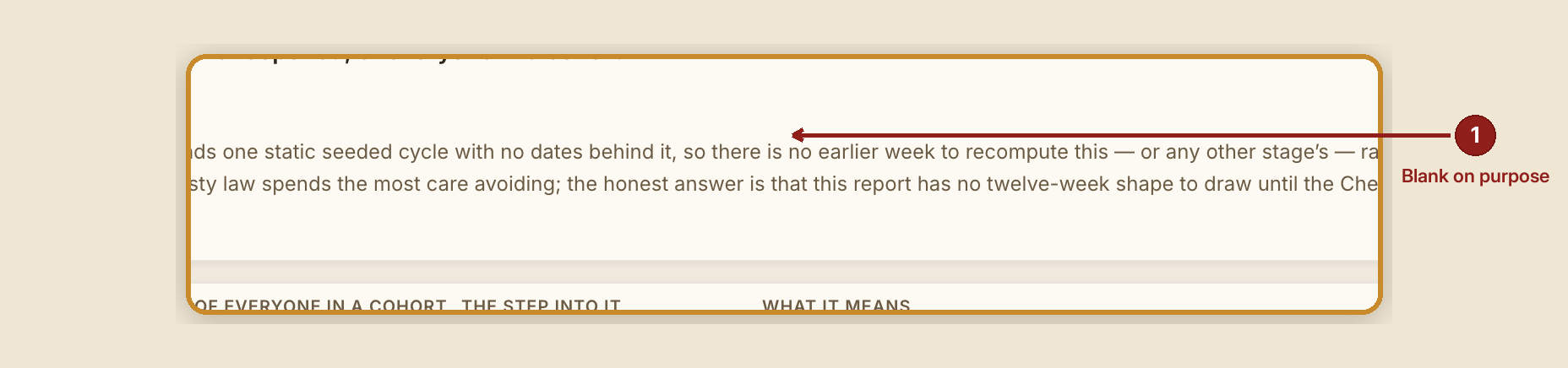
- Don't expect a real trend sparkline on this report. It intentionally shows a blank sparkline with a note explaining why: this report reads one static seeded cycle with no dates behind it yet, and a fabricated shape would be exactly the kind of dishonesty this suite is built to avoid.
- Don't read "Approved" as "contacted." Nobody is reached until the next stage — approval is only an internal decision that outreach is the right call.
When something goes wrong
- Nobody's picked for outreach yet: "There is nobody picked for outreach yet, so there is no cycle to read."
- Nobody has come all the way back to care yet: "So far: nobody of the {n} people across {lists} outreach lists has come back and is connected to a person, as of {date}. That is a checked zero, not a blank."