

Report: Return Invite Follow-Up
What this screen is for
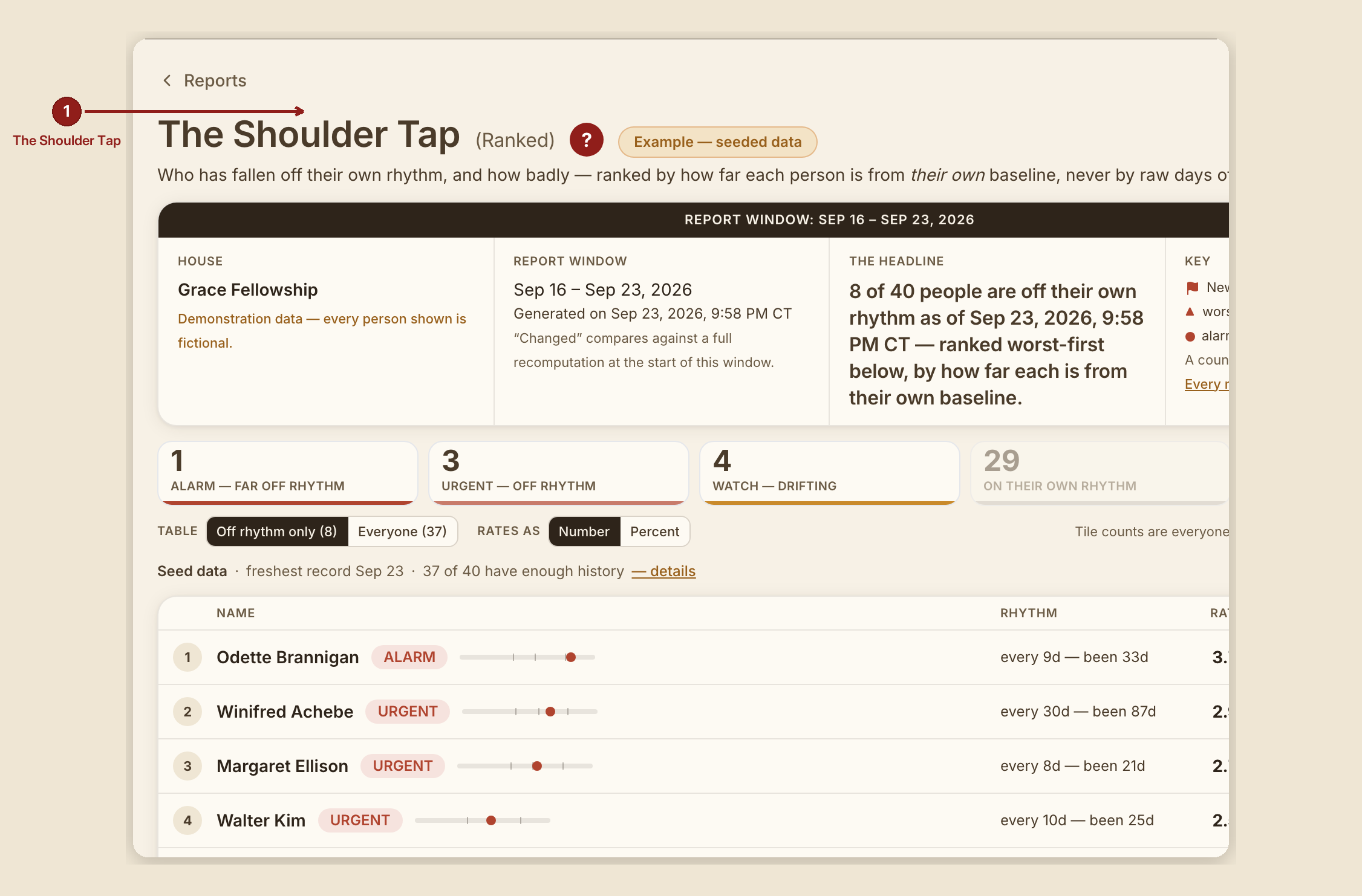
Return Invite Follow-Up (/dashboard/reports/shoulder-tap) ranks who has fallen off their own rhythm — never raw days off, always how far someone has drifted from their own usual gap between visits.
What you see, in the screen's own labels
- H1 "Return Invite Follow-Up." (RUN 192 dropped the parenthetical "(Ranked)" subtitle.)
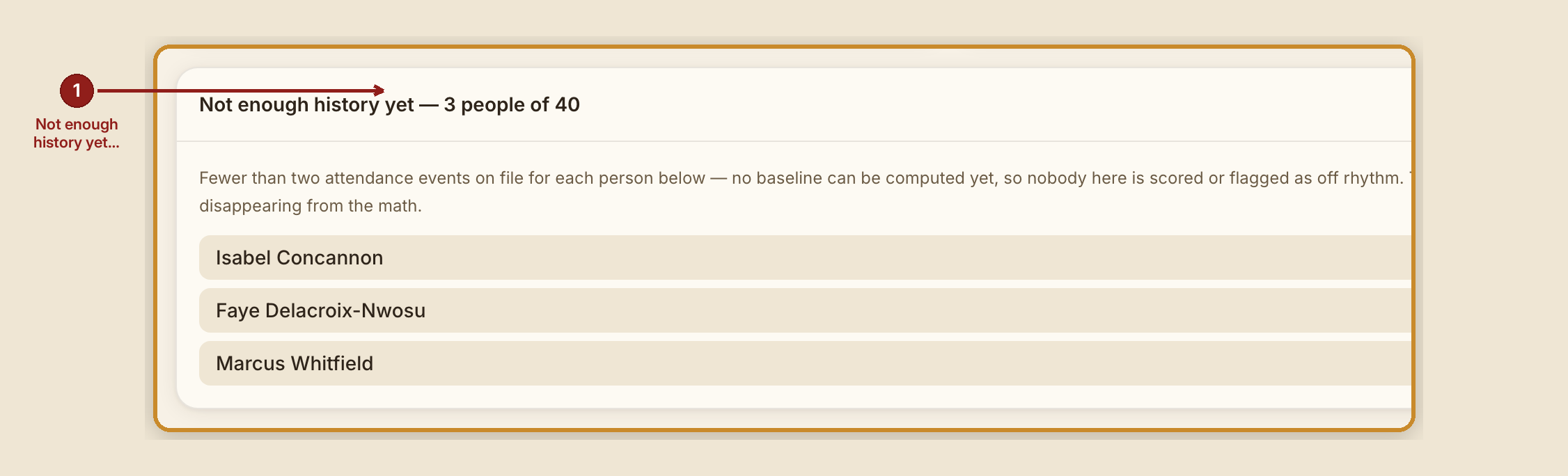
- Scorecard tiles: "Away much longer than usual," "Away longer than usual," "Starting to miss," "On their own rhythm," "Not enough history."
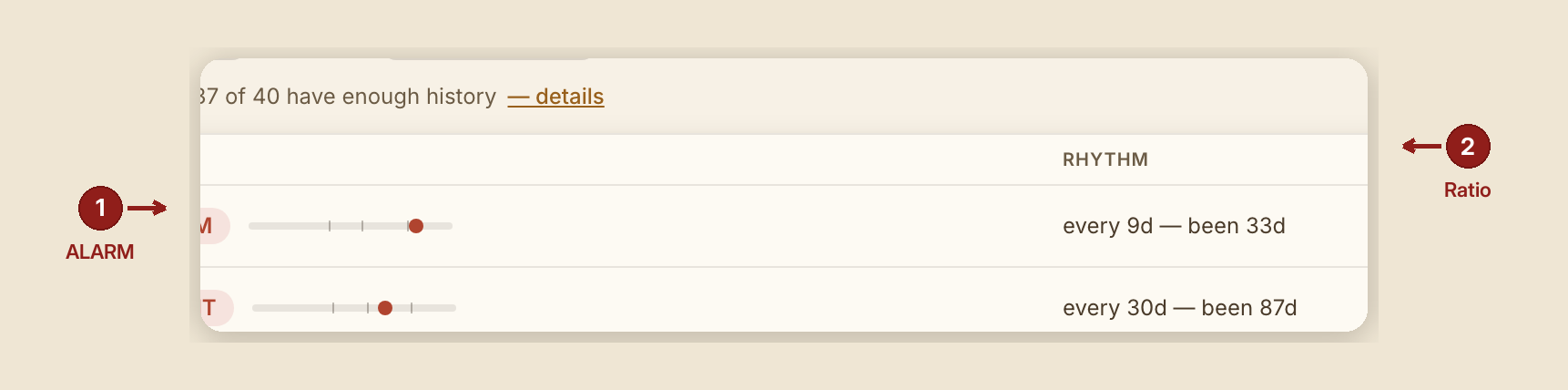
- Table columns: Name · Rhythm · Ratio · Shepherd · Changed.
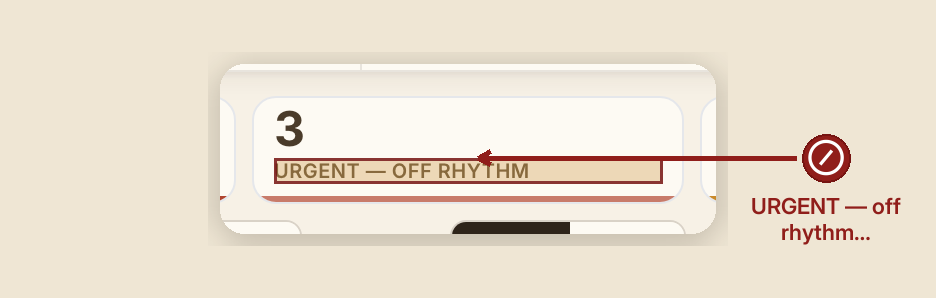
- The drift tiers, exactly: - Away much longer than usual — 3.5× their own baseline or worse. - Away longer than usual — between 2.5× and 3.5×. - Starting to miss — between 1.75× and 2.5×. - on-rhythm — inside 1.75× of their own baseline.
- A hover tooltip on each person's meter reads: "{ratio}× baseline — starting to miss at 1.75×, away longer at 2.5×, away much longer at 3.5×."
- The Key describes each tier as, for example: "Away between 2.5 and 3.5 times longer than their usual time between visits. Never raw days off — a person who comes monthly is not late at three weeks."
What to do
- Read ratio, not days. The whole point of this report is that a weekly attender and a monthly attender are judged against their own pattern, not the same clock.
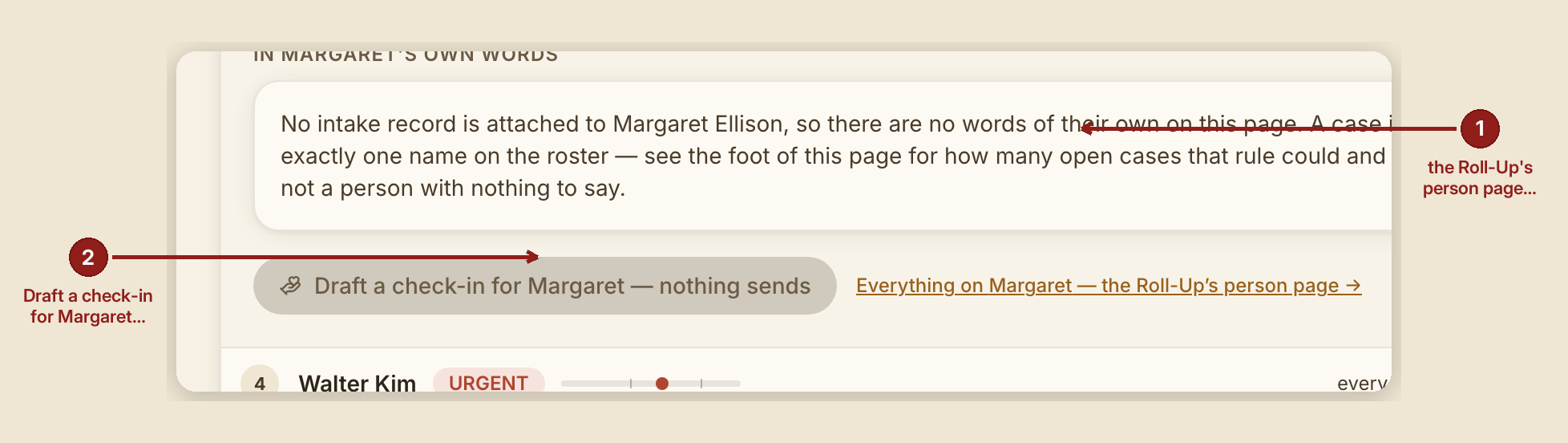
- Use the per-row link — "Everything on {name} — Shepherd's Overview's person page →" — to jump straight to that person's full Shepherd's Overview detail.
- Decide for yourself whether to reach out. The per-row button, "Draft a check-in for {name} — nothing sends," is inert on purpose; its own tooltip says why: "Nothing sends — reaching out is your choice."
What NOT to do
- Don't read "off rhythm" as a judgment on the person. It describes scheduling, not character — someone can drift off rhythm for entirely good reasons (a move, a new job, recovery itself going well).
- Don't expect this report to auto-contact anyone. Nothing in this suite sends a message on its own; every outreach here is a human choice, every time.
When something goes wrong
- Nobody is off rhythm: "0 of {n} people are off their rhythm as of {date} — that is not a bug. Every one of the {n} people with enough history to read is inside their own usual gap."
- Not enough history yet for a person: they're counted separately under "Not enough history" rather than silently dropped — with its own honest zero when nobody falls into that bucket either: "0 of {n} people have insufficient history right now — everyone on the roster has enough attendance on file to read a rhythm."