

Report: Waiting on Help
What this screen is for
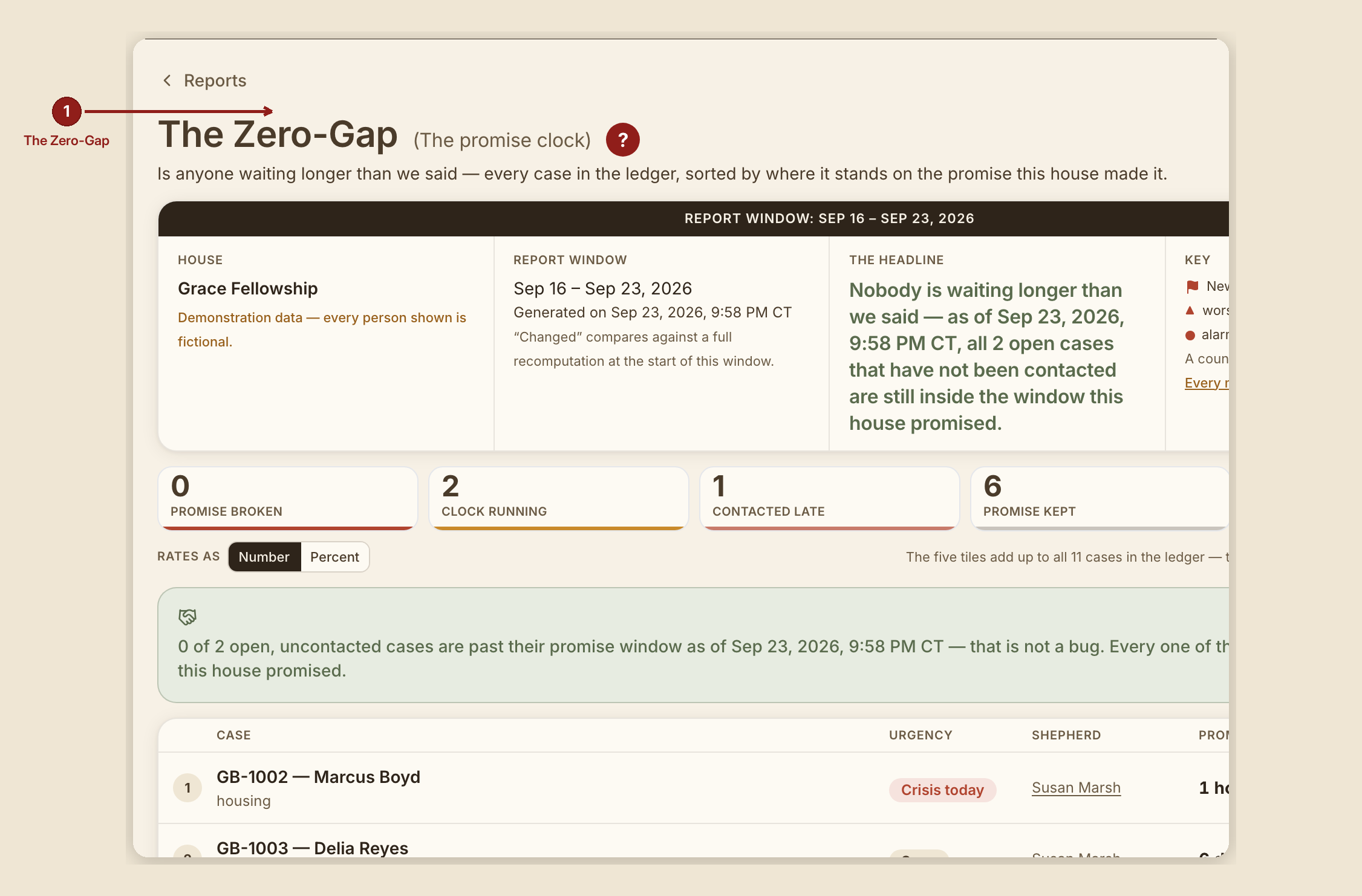
Waiting on Help (/dashboard/reports/zero-gap) is the first-call deadline clock: every case on file, sorted by where it stands against the first-contact window this house promised when the case came in. This is the one report in the suite that reads live case data rather than a seeded example.
What you see, in the screen's own labels
- H1 "Waiting on Help."
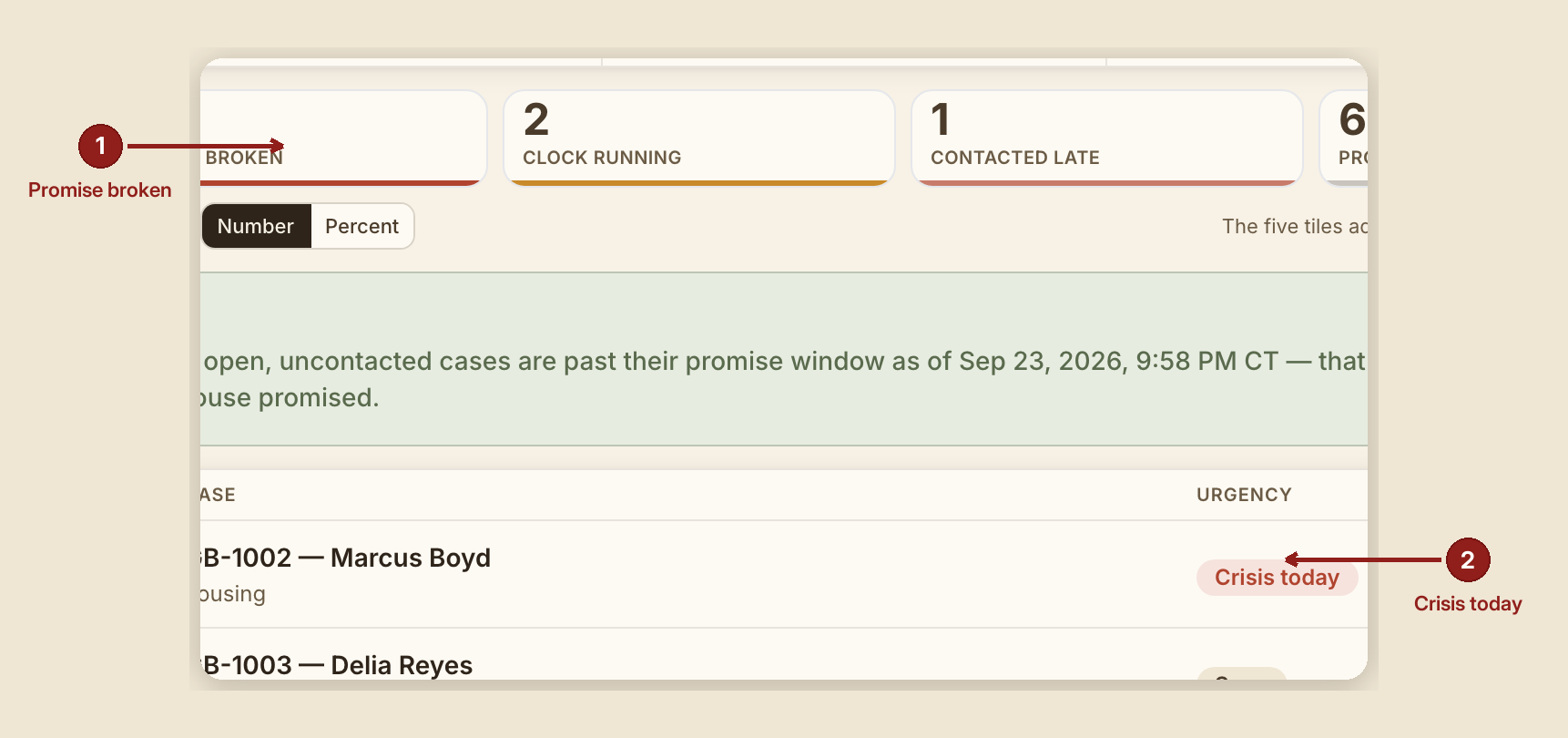
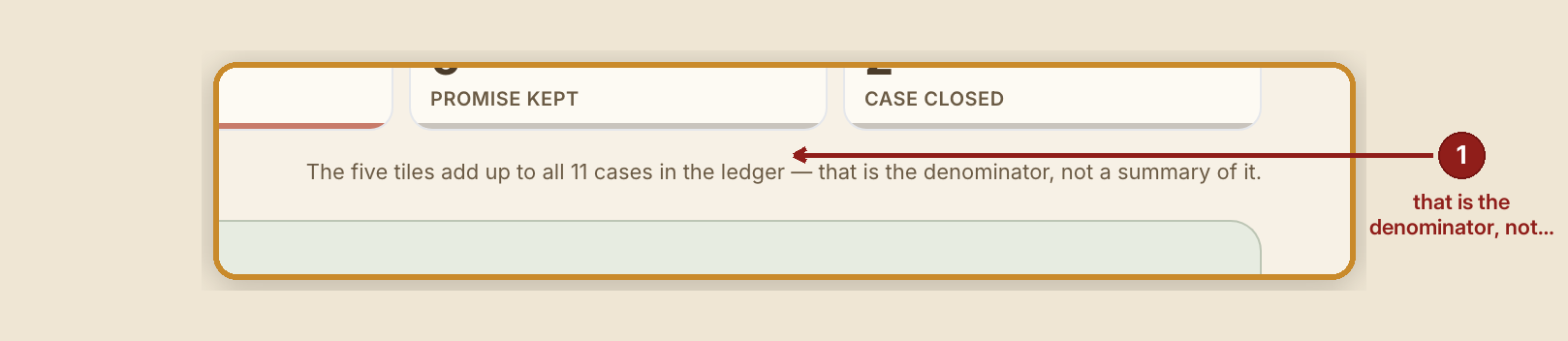
- Scorecard tiles, the five stages: "Deadline missed," "Clock running," "Contacted late," "Reached in time," "Case closed."
- Table columns: Case · Urgency · Shepherd · First-call deadline · Changed.
- The first-call deadline, by urgency: Crisis today — 4 hours. This week — 3 days. Soon — 7 days. No rush — 14 days.
- The countdown itself reads "{n} hours/days left" while running, and once broken, keeps counting up: "broken {n} hours/days ago." It never stops or resets.
- Stage meanings, from the Key: - Deadline missed — open, no human contact yet, and the first-call deadline has already passed. - Clock running — open, no contact yet, deadline still open. - Contacted late — contact IS on the record, but it landed after the deadline passed. GraceBridge does not file that under "reached in time." - Reached in time — contact was made inside the first-call deadline. - Case closed — no longer open; still counted so the full count it's measured against stays honest.
What to do

- Read "Deadline missed" rows first — they're sorted to the top, because that's the only stage where someone is still waiting past what this house told them.
- Treat "Contacted late" as a real miss, not a near-success — the report deliberately refuses to count a late contact as reached in time.
What NOT to do
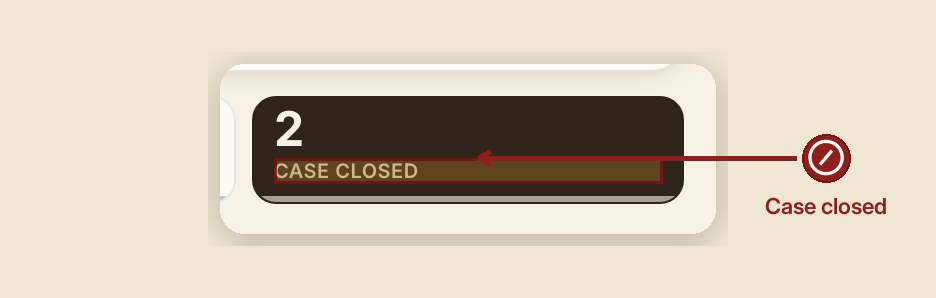
- Don't confuse "Case closed" with "off the hook." Closed cases stay on this report so the honest total is visible — the first-call deadline clock stopped when the case did, but the case is still counted.
- Don't read the countdown as pausing. It counts up forever once broken; there's no reset button that makes a missed deadline look reached.
When something goes wrong
- No case on file yet: "There are no cases on file yet, so no deadline has been set to keep."
- Everyone's already been contacted: "Nobody is waiting — as of {date}, every open case already has a first human contact on the record."
- Nobody is currently past their window: "Nobody is waiting longer than we said — as of {date}, all {n} open case(s) that have not been contacted are still inside the first-call deadline this house set."